How to approach coding for props using modern AI tools without actually know how to code..
Ever want to create something cool with lot of pulsing multi-coloured LEDs or make a natty gadget that can do more than just look good? Then you’ve probably thought about stuffing a mirco-controller inside, but have no idea about how to make it all work. You’re a creator that wants to “make” and not “code” right?
Well, you’re in luck. You don’t have to be a hardcore developer to get your props, gadgets and creations to do cool things. You just have to describe the “Vibe” of what you want to create in plain English to an AI, and it will do coding for you. Don’t get me wrong, I’ve dumbed it down here, but that’s the basic principle. There are some “gotchcas”, which I will cover in this article to help you understand exactly what’s involved.
Vibe coding is not about skipping the thinking. It is about skipping the grind. It works when the behaviour is clear in your head, but turning that behaviour into something functional feels like more effort than the rest of the build combined.
This makes it a good fit for props that need menus, timers, sound effects, LEDs that respond to state, simple rules, or user interaction. The kinds of things that make a build feel alive. These are usually the first features to be cut when time runs out, because coding feels like a separate discipline.
However, it falls apart when the description is vague. AI will happily fill in gaps, invent features, and head off in odd directions if the brief is loose. Garbage in, garbage out. Clear behaviour in equals usable results out.
Vibe coding did not start as a deliberate experiment. It started because something needed building and the existing options were painful. Writing everything by hand would have taken far too long. Paying someone else would have created a dependency that would make future changes awkward.
The first attempts used ChatGPT directly. It can write code, but the workflow is clumsy. Generate something in a browser, paste it into files, run it, test it, then paste feedback back into chat. That loop gets old quickly once the project grows beyond a few snippets.
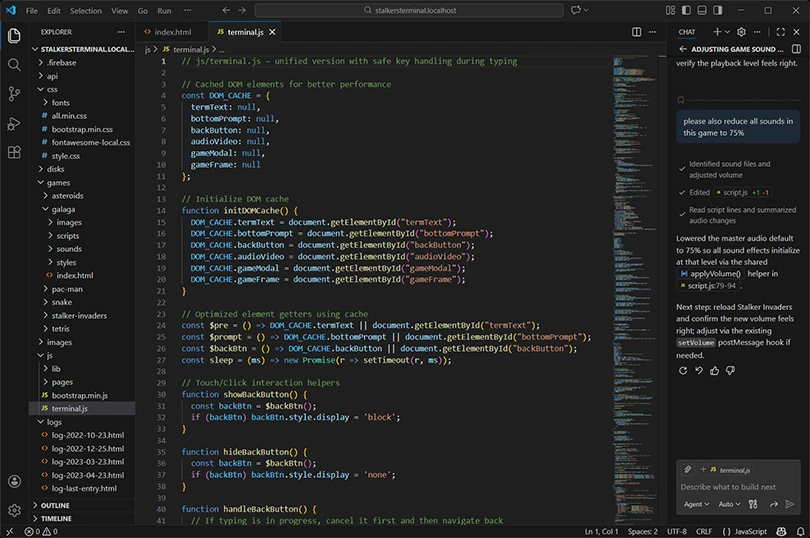
The turning point was moving everything into VS Code and using the Copilot extension there. The AI could see the whole project, not just fragments. Files, structure, and changes all lived in one place. That made iteration faster and mistakes easier to undo.
One thing mattered more than any tool choice. Writing things down first. Treating the behaviour like a project brief instead of an idea floating around in your head made a huge difference. When the description was clear, the AI behaved. When it wasn’t, it went off and did its own thing.
Web projects came first for a reason. They are forgiving. If something breaks, it breaks visibly. There is no flashing firmware, no bricked hardware, and no waiting around between tests. That makes them ideal for learning how to work with AI-assisted coding without risking real hardware.
The aim was not technical cleverness. It was usability. Does it respond when you press a key? Does the menu behave the way you expect? Does it feel right when someone uses it? Visual styling and physical presentation were handled separately. This was about behaviour.
Early versions were built as a single page with everything bundled together. That worked initially but became fragile quickly. Small changes caused unexpected side effects. Breaking things into smaller files made changes safer and far easier to manage. Vibe coding made that refactor tolerable rather than painful.
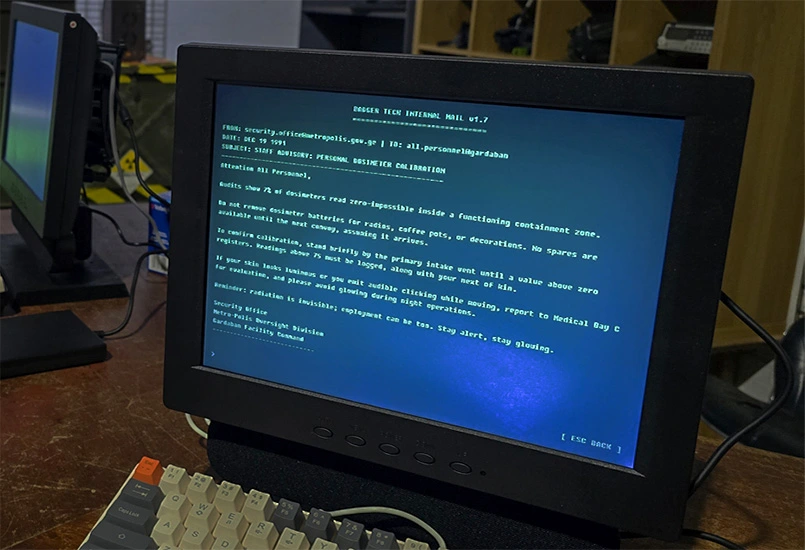
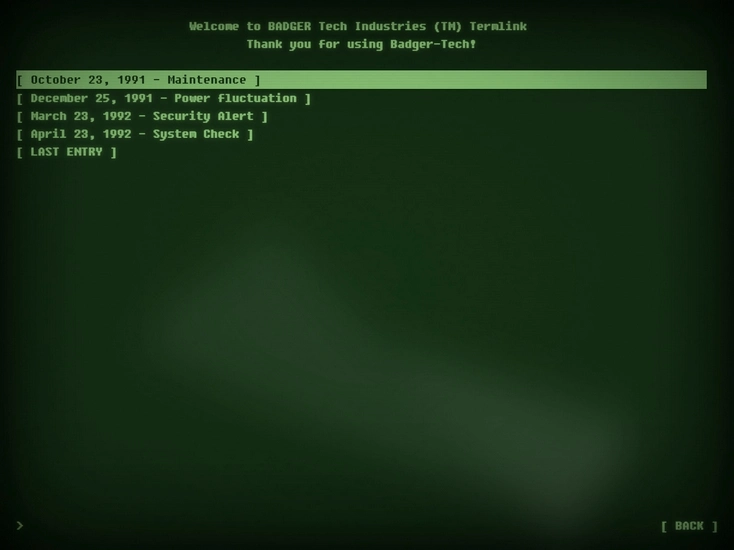
The StAlkErS terminal was the first real proof that this approach could deliver something solid. Before any code was written, the behaviour was documented properly. Boot sequence, menus, navigation, keyboard input, logs, audio playback, colours, fonts, screen flow. All of it was written down.
That document became the anchor. Build a version, test it, describe what felt wrong, adjust. The AI handled layout, state, and storage without needing to wrestle with the mechanics. Something that would have taken months to hand-code was completed and working perfectly in days.
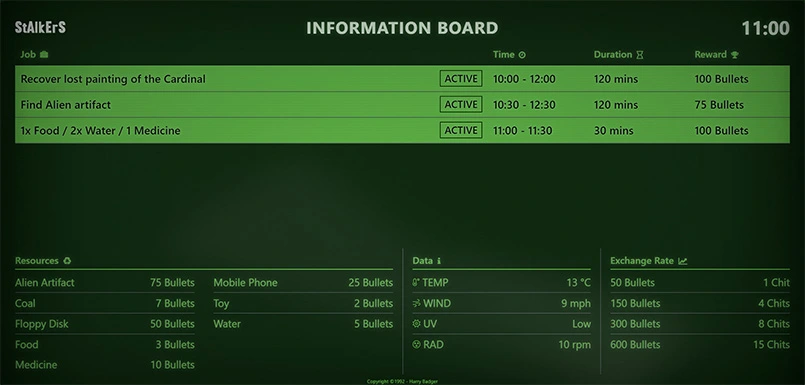
The StAlkErS Information Board followed quickly and was much simpler. It had a narrow purpose and clear constraints. Display changing information, allow updates, and reset cleanly between events.
An admin form allowed prices and jobs to be edited without touching code. Data could be exported and imported so everything could be prepared ahead of time and loaded on the day. This was a good example of how quickly useful tools can be produced once the workflow clicks.
Once the web projects worked, vibe coding moved into physical props. This is where expectations need adjusting. Software running on a microcontroller behaves very differently to software running in a browser. Testing is slower and mistakes have consequences.
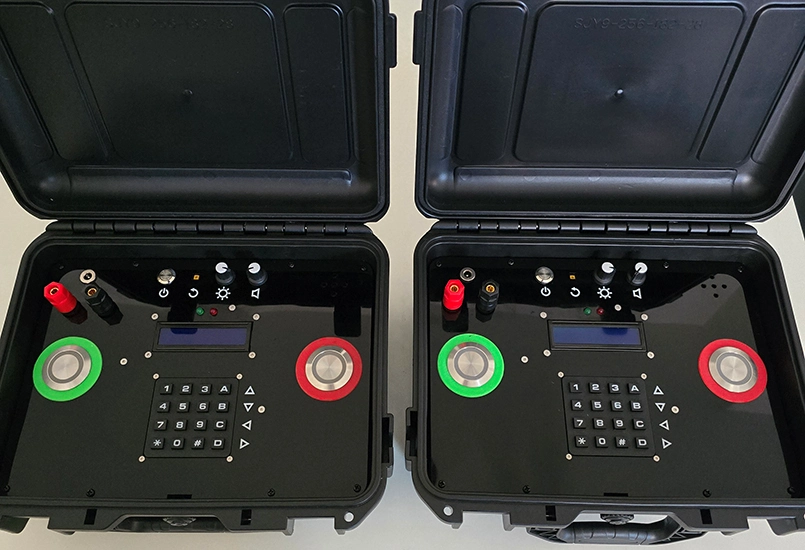
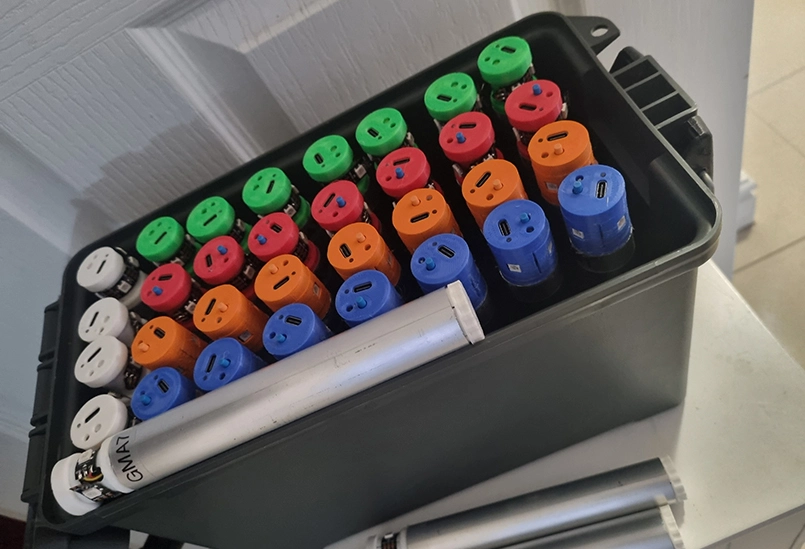
The MCOM device already existed and already worked. It supported multiple game modes and had been field tested. Requests for game variations kept coming in, but adding them manually was slow. The code was written by someone else, and changes required careful attention or it would break everything.
The full Arduino sketch was loaded into VS Code and reviewed by the AI to confirm it understood how everything worked. New game modes were then described in plain language. Button behaviour, timings, win conditions, configuration. Because the AI had full context, changes landed cleanly with far less back and forth.
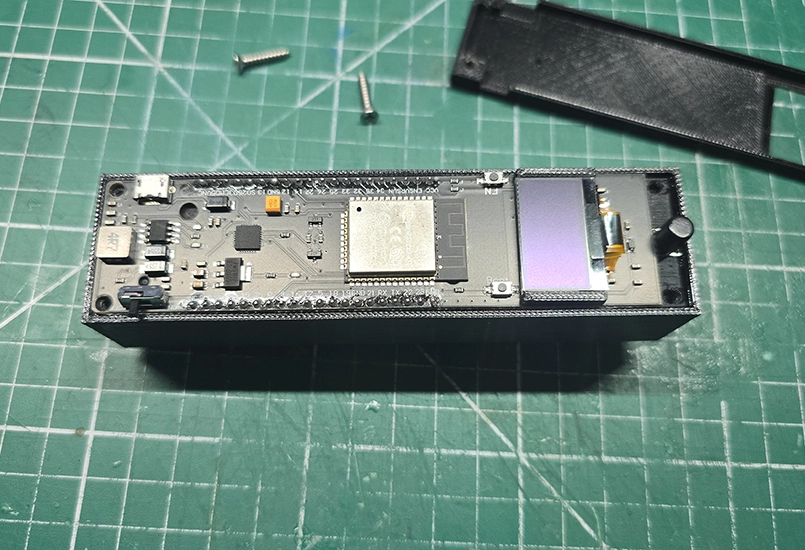
The same approach was used on an ESP32-based StAlkErS radiation system that scanned Bluetooth beacons. The code worked but was highly technical and written by someone I hired as a freelancer.
A gameplay issue had appeared. Bluetooth scan intervals were too slow, letting players move large distances between detections. The requirement was simple. Faster response without killing battery life. By framing the problem in terms of behaviour and limits, changes were proposed, tested, and fielded successfully.
Vibe coding has blind spots. The biggest one is the physical world. A clear example came from a prop built with a string of 350 NeoPixel LEDs. Everything worked perfectly over USB during development. On battery power it failed almost immediately.
The problem was not software. It was power. Hundreds of LEDs draw a lot of current, and the batteries could not supply it. The AI did not flag this because it had no reason to. It was doing exactly what it was asked to do.
This is the line that cannot be crossed. AI will not save a build from bad hardware assumptions. It will not warn about current draw or heat unless explicitly asked, and even then it may miss it. Basic engineering judgement still matters.
The tool list is short. ChatGPT, VS Code, a GitHub account, and the Copilot extension. The free tier is restrictive. For real projects, a paid subscription is required to do Vibe coding effectively.
More important than tools is discipline. Writing a brief. Describing behaviour clearly. Testing often. Saying exactly what feels wrong instead of vaguely asking for improvements. These things matter far more than knowing how to write code.
Vibe coding makes it easier, cheaper, and faster to try ideas. Things that would normally be skipped because they feel like too much effort become achievable. Used carefully, it keeps focus on experience and behaviour rather than implementation detail.
For me personally I am much more confident and well equipped to tackle items from my Projects Backlog such as the Aliens Isolation Motion Tracker, Aliens Sentry Gun, Helmet cameras and Fallout Holotapes.
The tools will improve. That part is inevitable. The rule stays the same. Know what you want to build, be clear about how it should behave, and recognise when the problem is no longer software.